
- Descriptio
- Recognitiones(1)
- Q & A
- FAQ
- DVR Scientia
- OEM/ODM
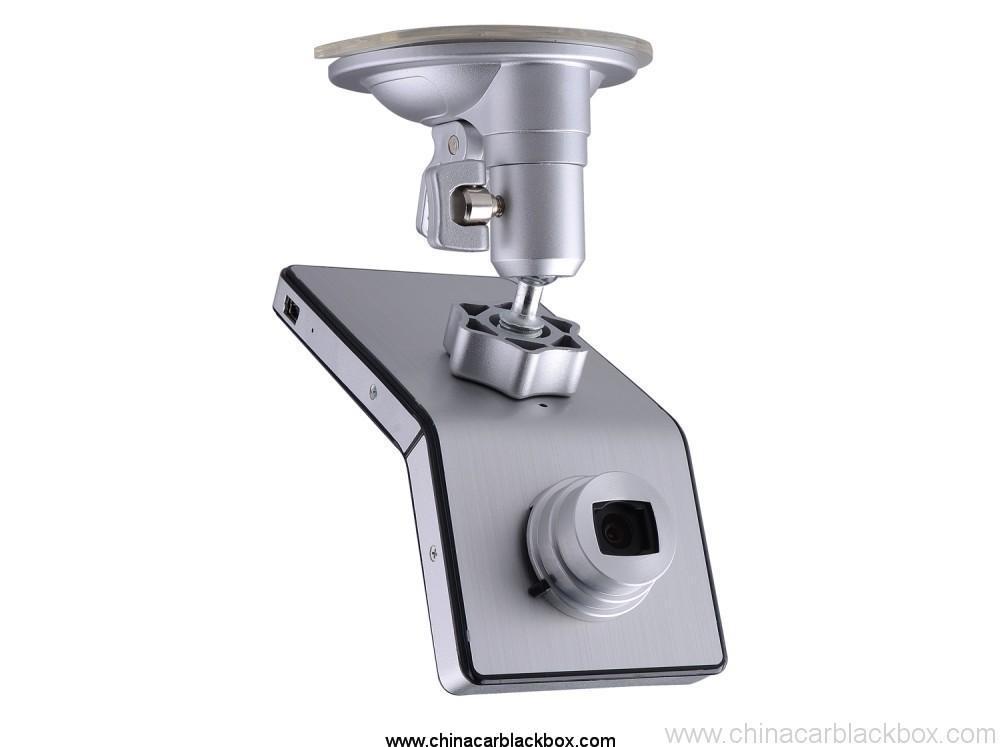
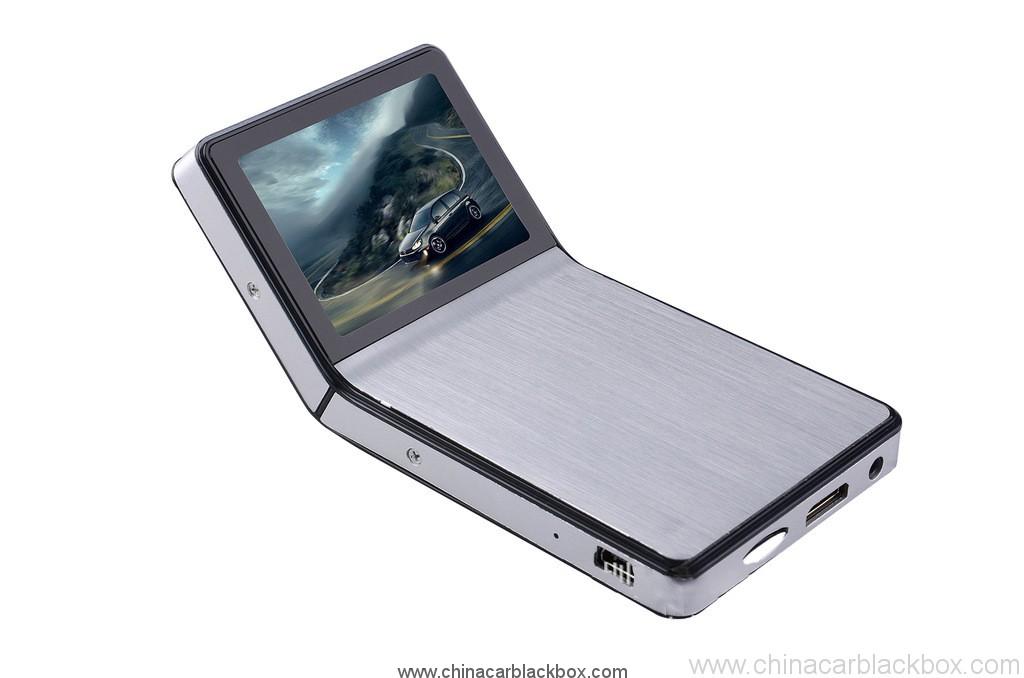
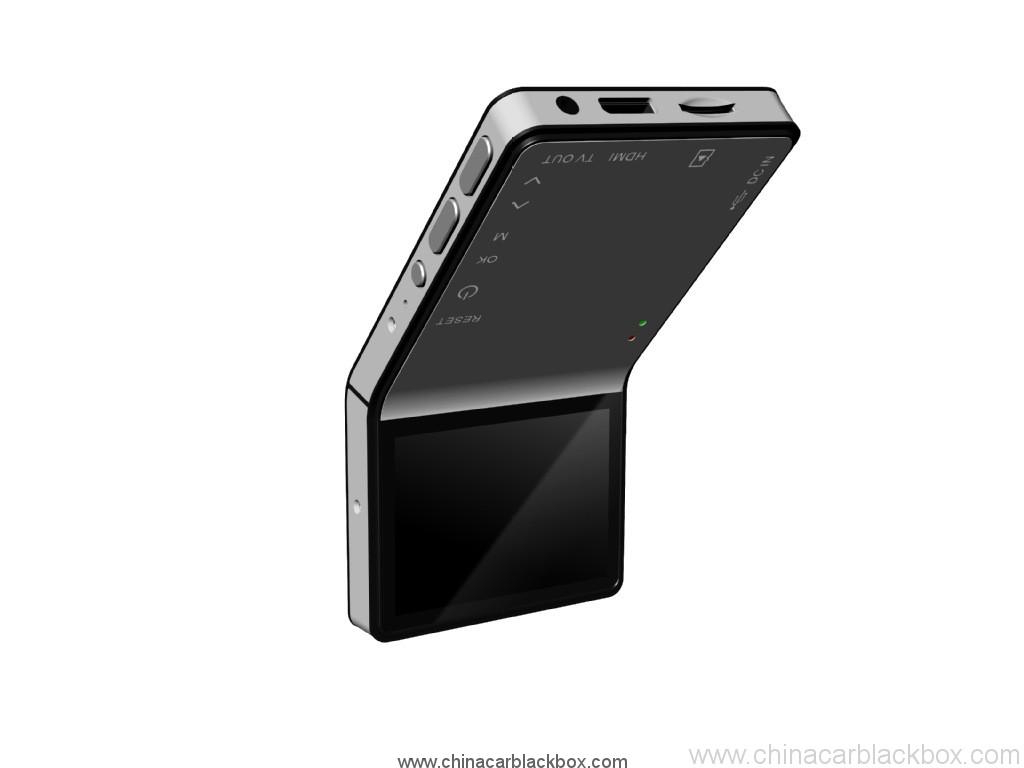
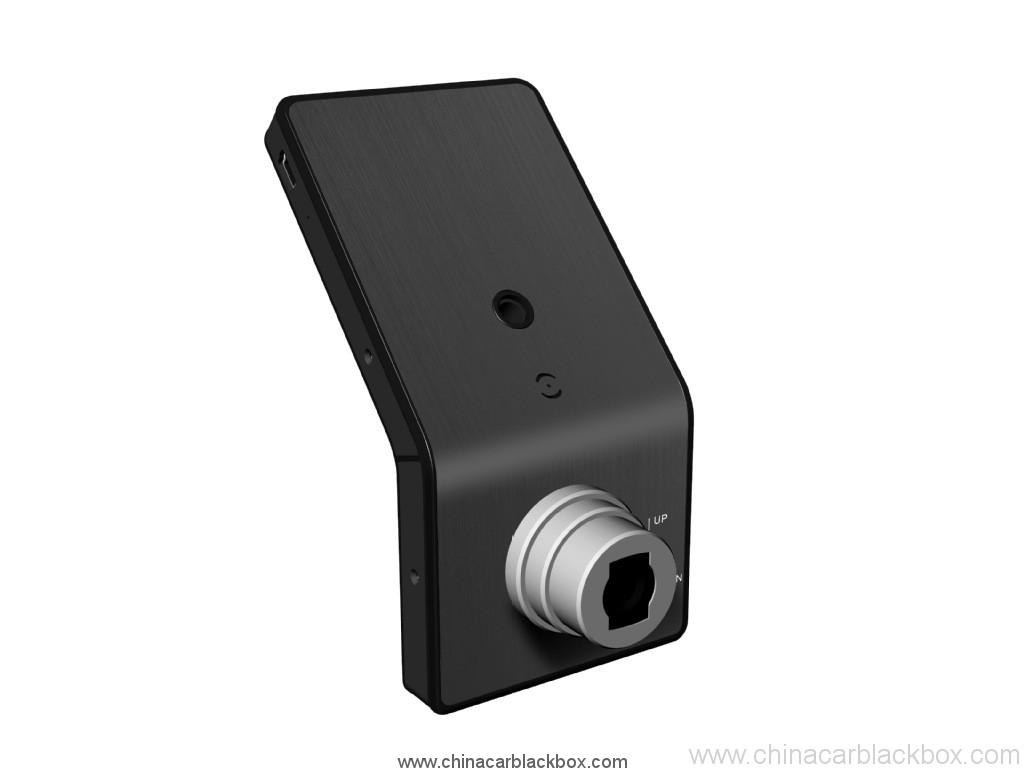
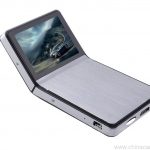
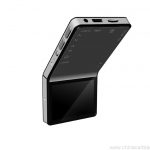
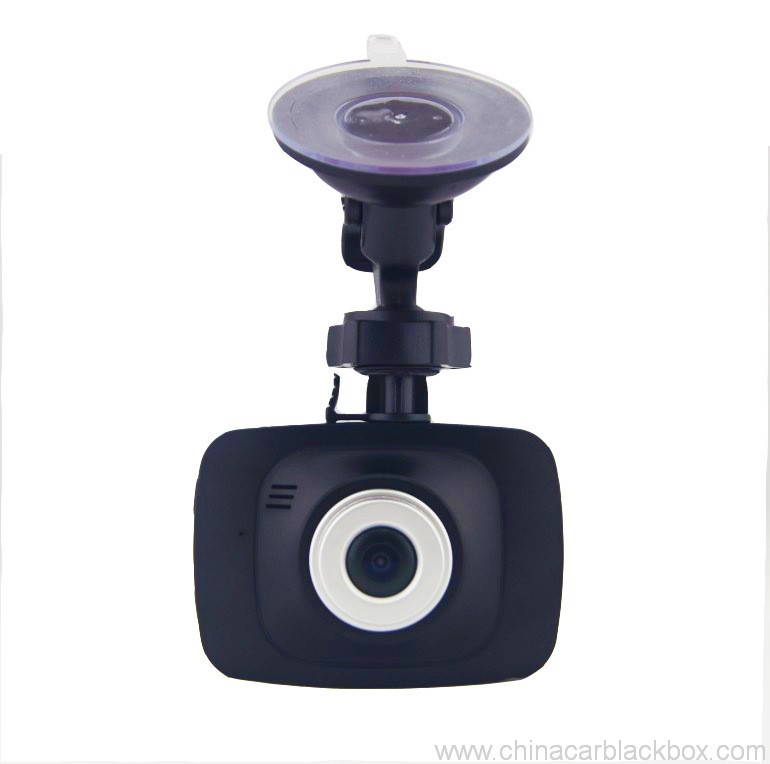
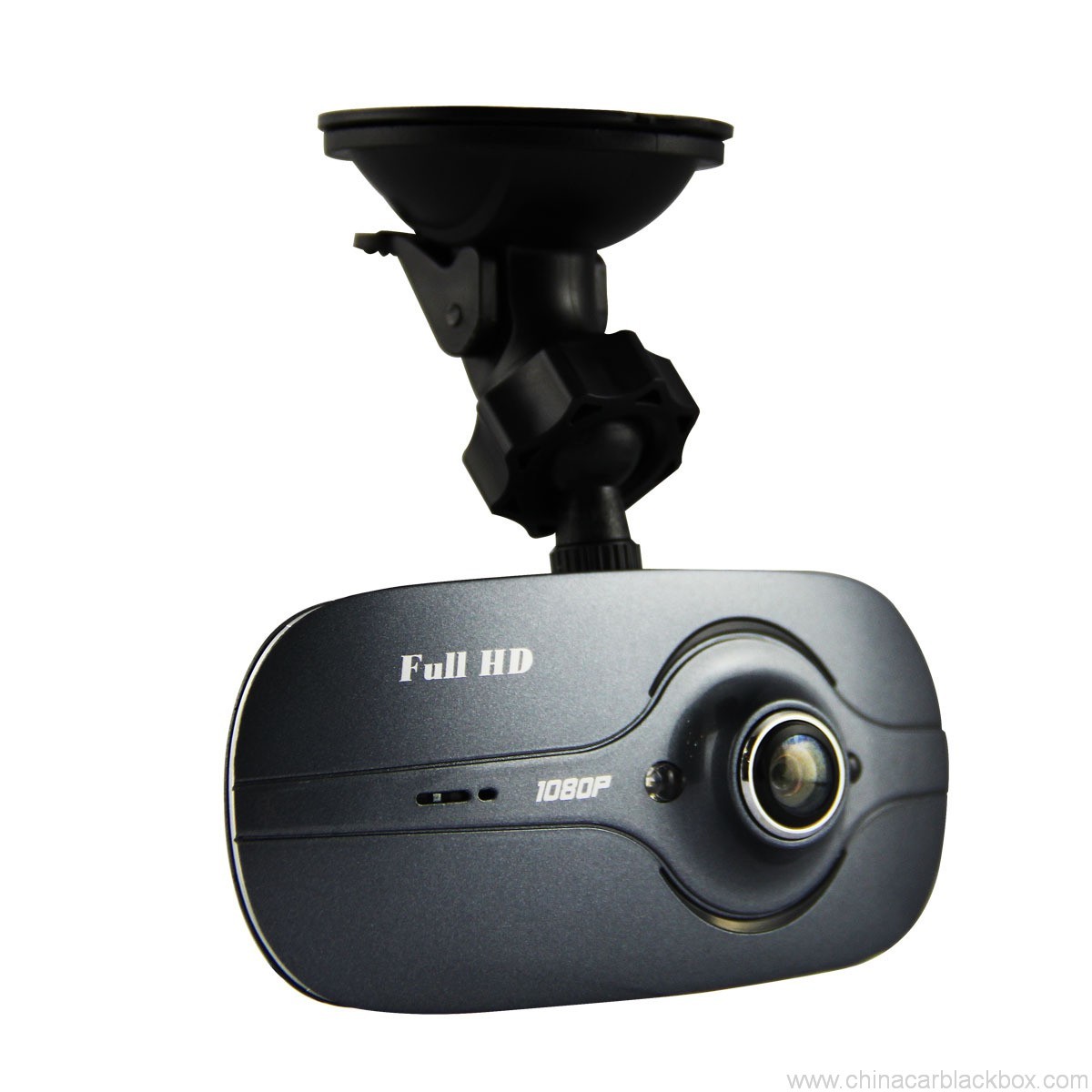
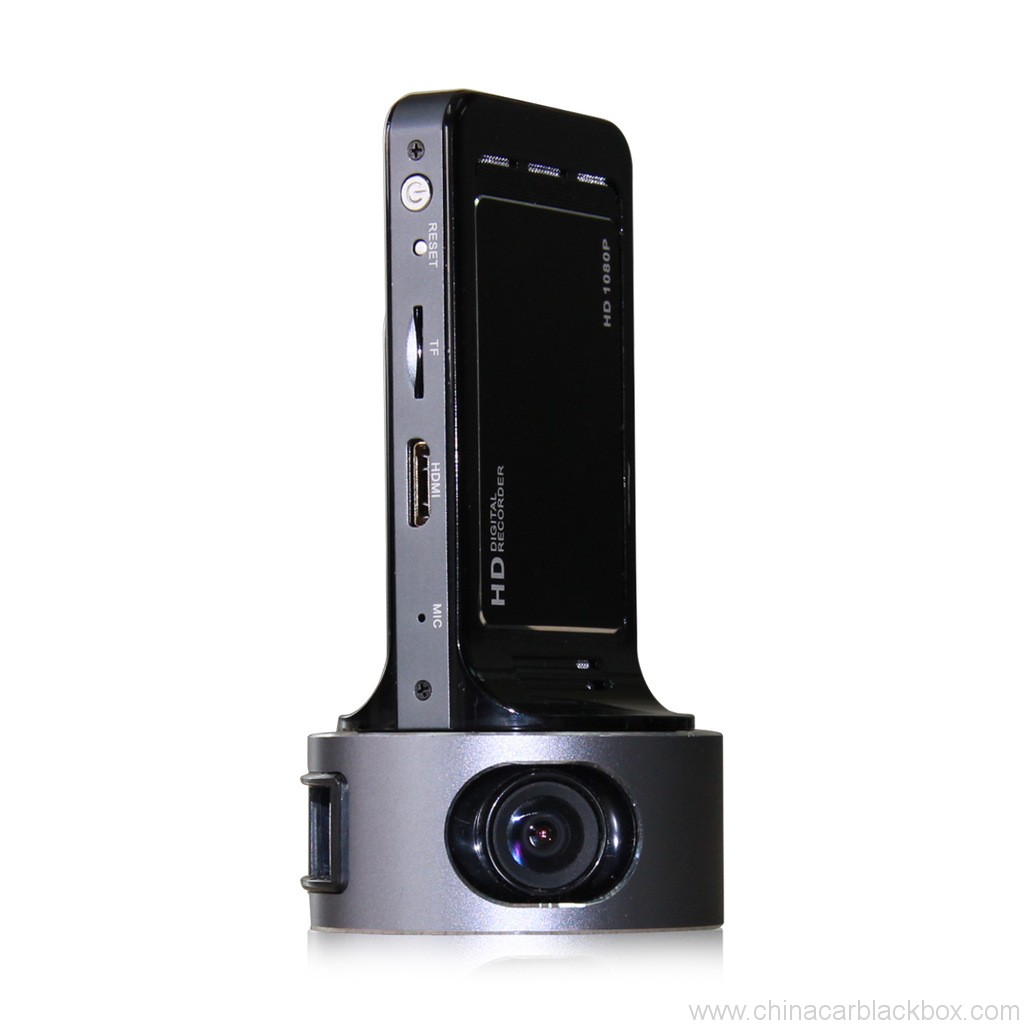
1. iPhone fashionable style and Ultimate Slim Design leads the fashion trend
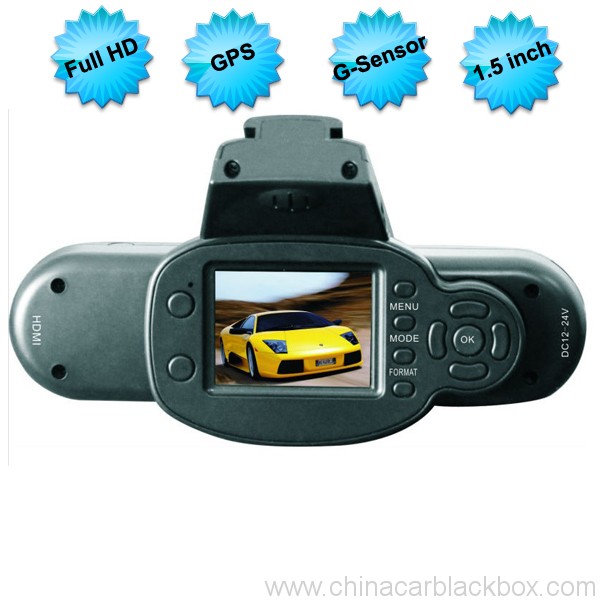
2. 1080P high-resolution, 500 million actual pixels SENSOR, H.264 compression format. Best expression!
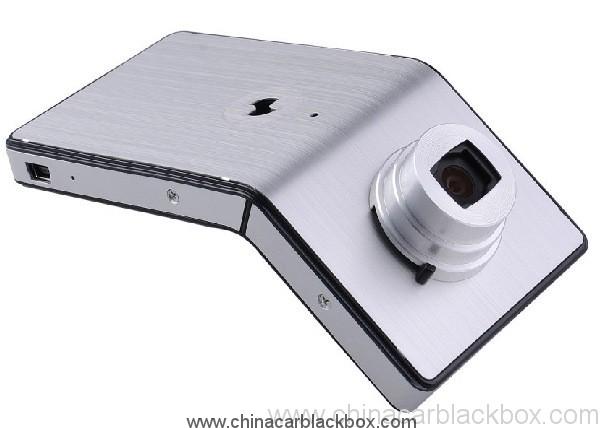
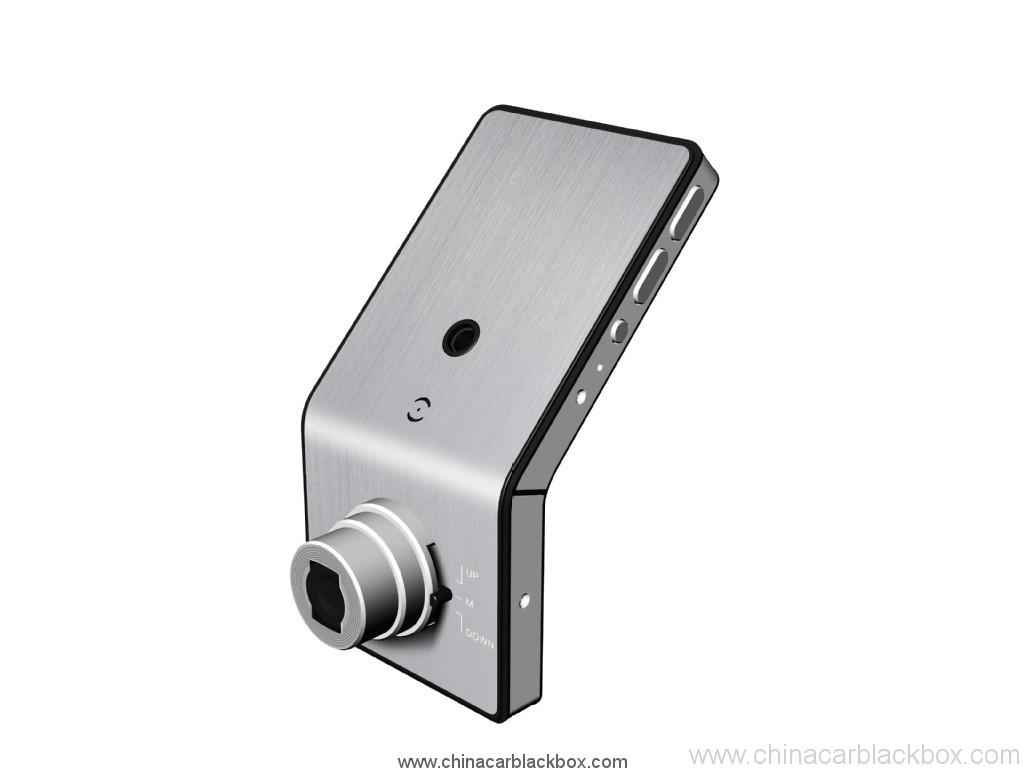
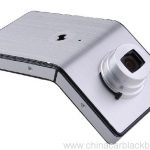
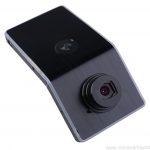
3. The unique adjustable angle lens, hidden button-shaped set, excellent surface treatment process. It is the Boutique of car dvr.
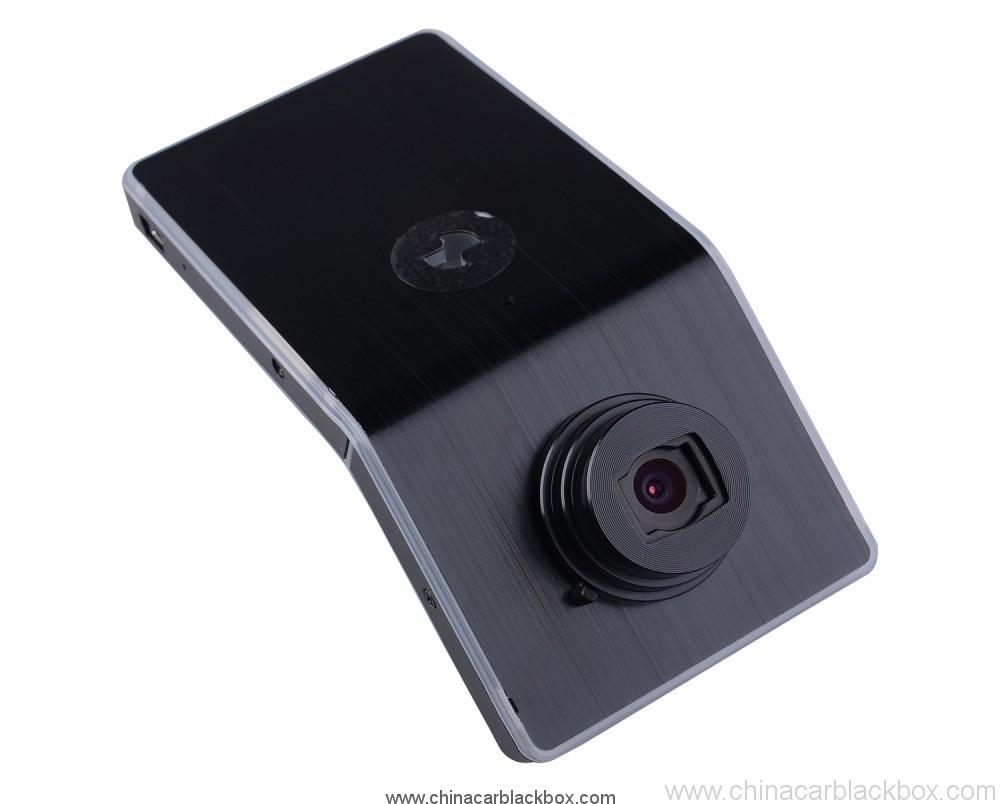
4. Cool and stylish black and silver color.
Specification:
Image Sensor: 5.0 Mega Pixel
Lens: Fixed, 4G, f=2.6mm F=2.0
Lens Viewing Angle: 120°
Focus Range: 1.8m to infinity
Display Screen: 2.4”TFT LCD
AV Output: HDMI Port, CTS1.2, AV Out Port, CVBS
USB Output: USB Port, USB2.0
TV System: NTSC / PAL
Video Format: MOV
Video Resolution: 1920*1080, 1280*720, 848*480, 640*480
Video Compress Format: MPEG- 4AVC / H.264
Audio Built-in Microphone/Speaker
Recording Media: Support Micro SD Card up to 32GB
Record Cycle, Not Cycle
RTC Yes
OSD Language: English / Italian / Russian/Japanese / S. Chinese / T. Chinese
PC Interface: USB2.0
Power Supply: 12V / 24V convert to 5V, Built-in Li-ion Battery
Size: 60x120x35mm
Weight: 115G
Working Temperature: -10~70 C
Storage Temperature: -30~85 C
Video Recording
After connecting Mobile-i to socket by car charger and the cable, it’ll start recording automatically if it’s set in cycle recording. If it’s not cycle recording, it’ll turn on automatically and then you have to manually press on <Power Switch > key to start recording.
Please use our standard car charge and USB cable for power supply, or it may not successfully charged by the ones from others.
Now the really time image will display on Mobile-i screen.
Stop engine, it’ll keep on recording for about 10 seconds and then shutdown. If don’t want to record during driving, please manually press on <Power Switch > key to save the video and turn off it.
* Some kinds of vehicles are designed for long-term power supply that can’t shut down automatically and need manually press on <Power Switch > key to save the video and turn off Mobile-i.
* Under not cycle recording mode, Mobile-i will save the videos and stop recording automatically when the memory card is full.
If Mobile-i isn’t connecting to the socket, please manually press on <Power Switch > key to turn it on, and then real time image will display on the screen and press on <Power Switch > key to start video recording.
Press on <Power Switch > key again to save video automatically and stop recording. Long-press on <Power Switch > key until hearing a sound to turn off Mobile-i.
* The first time you use Mobile-i, we suggest charge its battery for 3 hours.
* If you won’t use Mobile-i for a long time, please recharge the battery in every two months to prolong its’ service life.
Video Playing
Play the video by Mobile-i screen
Turn on Mobile-i and stop recording, long-press on <Enter >
key to enter into preview mode, press on <Up > <Down >
key to select video and press <Enter > key to start video playing.
Play the video by PC
Please stop recording before connecting Mobile-i to PC. Use the USB cable to connect it to PC and a removable disk will show up in my computer accordingly. Now it can be used as a large capacity disk.
All the videos are saved in the disk. Choose a suitable player to play the videos.
If you want to save the video forever, please copy the video to your PC.
Play the video by TV
a. Use TV cable to Connect Mobile-i to TV, then the real time image will show on TV, press on <Enter > key to play video. Press on <up > or * <down >key to select video to play when there are more than one video in it.
b. Use HDMI cable to connect the attached HDMI Convertor to HDTV, then the real time HD image will show on HDTV which creating the vision enjoyment for you. Control the video
playing by the bottoms on Mobile-i.
* Before playing the video by TV ( a.b), please press on <Power Switch > key to turn on Mobile-i first.
* HDMI Convertor are included but no HDMI cable, please purchase it in separately
LED Status
Working Status Red Green Blue
Power Off Off Off
Power On Off ON Off (On under charging)
Recording FLASH ON Off (On under charging)
SD Car bad contact Off FLASH Off (On under charging)
USB Mode Off ON Off (On under charging)
USB Mode(no SD card) ON ON Off (On under charging)
Li-ion battery low Off Off Flash and then shutdown automatically
Program Update
Please go to our website www.oi.com.hk to download the latest program.
Use the attached USB Cable to connect Mobile-i to PC and then copy the program to the SD card.
Press on <Power Switch > key to turn on Mobile-i, and then it’ll automatically update the program and after the update finish, it’ll shut down automatically.
Quid elige nobis?
1. All products have been strictly Quality Checked in the house before packing.2. Nos sumus fabrica faciens CAR DVR for 5 annis cum Bonitas et Super ministerium.
3. Nos elit OEM per multos notam clarissimi Car DVR.
4. 100% QC inspectionem ante amet, 12 horae velit test ad invicem unitas productum.
5. Lorem consilia gratis providemus secundum requisita tua.
6. Aperire possumus proprium fingunt, si opus est.
7. 12 menses qualis warantum.
Exempla & Shipping
1. Sample and mini order will be delivered within 2-3 operantes dies post recepcionem solucionis et ordinem singula confirmantur.2. Omnes products sunt bene facis ante shipping,bona ex aere mittere possumus,UPS,DHL,FEDEX,EMS,TNT etc.
3.Nam ordo per 500pcs vel nativus ordinem, plumbum tempus erit 4-6weeks post recepcionem solucionis. Please contact our sales to make sure the current inventory.

Free Enquiry for Full HD 1080P HDMI Slim Design Angle adjusted Sensor Car DVR
1 review for Full HD 1080P HDMI Slim Design Angle adjusted Sensor Car DVR
Add a review

Aliqua quaestio saepe quaesivit pro Sinis Car DVR
Q. Quid sit warantum pro autocineto DVR .?
A. Nam currus DVR, habemus 12 menses warantum.Q. Quid solucionis modo ?
A. T/T . PAYPAL , Occidentis Unionis , L/C omnia praesto sunt. dubium quia .Q. Quid de qualitate ?
A. 100% QC inspectionem ante amet, 24 horae senescit test pro unaquaque unitas productum in probatio locus . si inveniret qualis forsit . Hengye promisit reponere novum unum nostris mos.Q. Quousque eam tolle ut traba ordinem meum??
A. Dum stirpe is available, navibus item in 3 opus diebus in sample et 7-15 opus dies formalem ordinem semel accepimus confirmationem ad novum ordinem.Q. Quis reddet pretium reficiendi item?
A. Utraque pars dimidia feugiat. Emptor accipiet feugiat mittendi eam ad GHY, et terrorem GHYwill recipiet mittendi eam ad emptorem. GHYsuggests ut eam remittat una cum altera massa productio item.Q. Quanti naves sumptus?
A. Secundum quantitatem boni, naves modum et locum desideratum. Nos intus mittet bona 3-5 negotium dies post plenam mercedem confirmata est. Si mercedem non praesto, ordinem vestrum automatice claudentur. DHL / UPS / FedEx Express plerumque accipit de 3-5 opus diebus ad locum desideratum. Et suus ' 5-8 opus diebus ab EMS vel TNT.Q: Habesne Post-Sales ministerium?
A:Ita! Habemus professional Post-Sales ministeriumQ. Quam ponere ordinem?
Si quis technica quaestio seu quaestiones cum bonis, welcome to contact our Technical Support Dept. aut nos venditio directe.
1. Emitte nobis exemplum, trabem stilum et quantitatem vel nos inquirere in https://www.chinacarblackbox.com/ , consignee notitia, shipping modo ac solucionis termini.Q. Quid reditus tuum et warantum??
↓
2. Cautionem fecit et misit ad vos.
↓
3. Complete Payment postquam confirmata est PI.
↓
4. Confirmare Payment et disponere productionem.
↓
5. Mitte bona in 2-15 diebus(secundum statum repono).
↓
6. Mitte ad numerum tracking(per aerem) vel B/L*(per mare).
↓
7. Bona delivered, receperint rursus ordines!
1.Omnia bona inspiciuntur ante amet, Si non contentus emptio, commutare potes res in una septimana et debes contact us cum 24 horas in recepcione tua emptio.
2.Naves pertractantes crimen non sunt refundibile et emptores responsabiles esse debent pro omnibus criminibus redeundi et reshipping.
3.Omnes reditus item necesse est esse in pristinis conditionibus, inter buxum et accessiones. Vitia hominum facta non sunt praestatur, ut rumpitur, impingebat et sic in.
4.Pro quibusvis elementis mitte mitte per EMS vel loci postes cum remittas.
5. Guarantee clause
a.Within* 7 diebus emptio, si est aliqua quaestio de Car DVR, oportet mutare pro te, sed sarcinam servare et Car DVR perfectam servare debes.
b.Warranty unius anni post venditionem, altilium warantiam tribus mensibus.
c.Warranty officium est solum efficax in normali usu.
d.All ad dampnum (Superficiem damnum, lacerant obice, improprietas) aut hoc card, non possumus officium warantum.
Scientia scire debes de Car DVR
Si quando vos es usura in camera, quidam paulo problema encounter, obsecro, ut hoc agunt primum inducere.
1)Non normalis video recording- mutata in TF card
- mutare consilium, tabulae erunt secundo.
- maior inserere facultatem memoria card.
- fac a card est installed bene (per institutionem processus, audias sonum strepitando).
- delere necesse files ex memoria card dimittere spatium.
2)Video non liquet
- ut camera lens mundus est.
- extergimus pulverem et lutum in lens, et virga.
3)Apparatu ad operari Northmanni, sed clavis non operatur
- Reset puga pyga ut premere initialize machina.
Q: Quomodo incipere eam?
A: Sunt 3 vias:Q: Quod genus impulsus est impetu cam maxime idonea est?
Hoc incipiet recordarentur automatice, quando vestri car incipit et nihil opus est facere quicquam manually. (Priusquam, scito card TF intus esse et patina currus coniuncta bene.)
Si intus pugna non vacua, vos iustus postulo ut premere puga potentia.
Connect it with USB cable by disco plug or power bank. (5V 1A cum USB port)
A: Omnes pulsis a brevi commutes, ad negotium et vacation itinera. Currus DVR commemorat all.Q: Cur currus dvr memoria facere non potest?
Si officium tuum requirit ut tunc expellere debeas certe habere portatilem offendas cam DVR. ingenue, omnis, qui agit, testis tutelam eget ut a car DVR affords.
A : Pis reprehendo tuum memoria card primum, si card intus iam alia dvr fabrica video vel picture, legi non potest tua car fabrica, ut forma tua TF card primum, melius inani TF card in tua DVR fabrica cum uteris primum.
Q : Quid mihi dvr ostentationem averte automatice dum aurigabat ?
A : Solet dvr fabrica in standby status voluntatis si non feceritis aliquam operationem in eo plus quam 1 minute, sed etiam in memoria retinent.
Q: Quid significat cum suffectione camera est looping vel ansas??
A: Loop or looping is the important feature that sino the car DVR to continue record video (hora post horam) eidem memoria card. Sicut camera records in "loop" vel "cyclus" occasum, id est partum video files vel segments in 2, 5 or * 10 minute longitudinum. Haec scripta sunt files et continuo servata est (unus post alium) memoriae card. Cum camera implet memoriam card (cum multis files), et delebit eam primo segmento video / file and save the latest video file. De camera hoc automatice, cum loop pluma in.
Camera OEM/ODM Service
Non possumus facere OEM/ODM Camera tibi cum more logo,pittacium,manual,stipare arca aut habitationi.
1. Logo
- Obsecro ut tua princeps solutionis logo in AI vel cdr format offer nobis;
- MOQ of logo printing is 100pcs
- Typographia cum coloribus habet sumptus est ,Solet non esse CLIVUS effectus in logo
2. Label
- Quaeso nobis exemplar tuum praebe numerorum et necessariorum relativi.
3. Manual
- Quaeso nobis documenti manualis perfecti qui imprimi potest directe,nulla lingua est OK , multi linguae manualem excudendi etiam possumus supplere.
4. stipare Box
- Offeremus tibi demensionem et limam consilium;
- Quaeso designare tuum genus secundum hunc fasciculum tunc mitte nobis;
- Nos mittemus te archa pro confirmatione ante productionem stipare ;
5. habitationem
- Si vis consilio tuo facere causam dvr currus ,placet nobis habitationi consilium lima , formam aperiemus et tibi primum exemplum praebemus.




Barnett –
This camera works really well. The picture is good, the night camera seems to be working well, it reads license plates if you are within about one car length. You can set it to record for up to 10 minutes after the car is turned off. I ordered a large 32 GB card and set the camera to record over every 10 minutes.